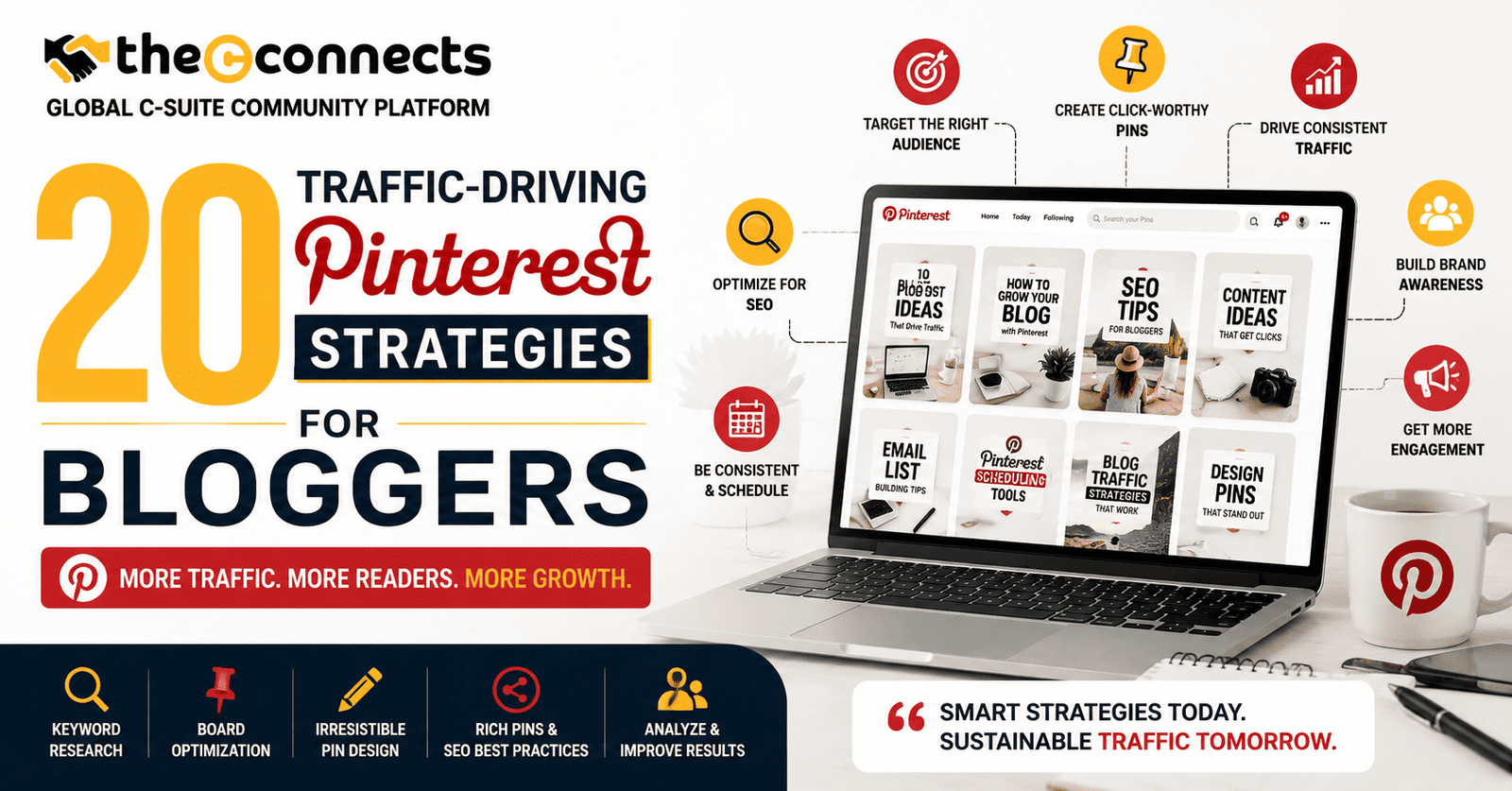

Ask most business bloggers where they focus their distribution efforts and the answers are consistent: SEO, email, LinkedIn, maybe Instagram. Pinterest rarely appears in that list, and that omission is a significant strategic opportunity that the bloggers who understand the platform have been quietly exploiting for years.
Pinterest is not a social media platform in the conventional sense. It is a visual search engine with a monthly active user base exceeding 520 million people globally, a significant proportion of whom arrive with explicit purchase intent and high information-seeking motivation. Unlike Instagram or TikTok, where content lifespan is measured in hours, a well-optimized Pinterest pin can drive consistent referral traffic for months or years after it is published.
For business bloggers, content marketers, and entrepreneur-publishers whose blogs address topics in business strategy, finance, productivity, marketing, design, or professional development, Pinterest’s audience of predominantly high-purchasing-intent, research-driven users represents a genuinely qualified traffic source that most competitors have not yet prioritized.
These 20 traffic-driving Pinterest strategies for bloggers are drawn from the current state of Pinterest algorithm practice, content optimization, and platform-specific SEO, providing a complete framework for building sustainable, compounding referral traffic from Pinterest.
1. Set Up and Optimize a Pinterest Business Account
The foundation of any Pinterest traffic strategy is a properly configured business account, distinct from a personal account because it provides access to Pinterest Analytics, Rich Pins, and advertising capabilities.
Implementation: Convert to or create a Pinterest Business account. Complete the profile with a keyword-rich bio that clearly describes your blog’s topic and audience. Include a clear profile image (your headshot or brand logo), a verified website URL, and a professional name that reflects your content niche.
Why it matters: A complete, keyword-optimized business profile appears in Pinterest search results for relevant queries, creating a discovery pathway that incomplete profiles miss entirely.
2. Claim Your Website to Enable Rich Pins and Analytics
Website claiming, verifying your domain with Pinterest, enables Rich Pins (which automatically pull meta data from your blog posts) and full Pinterest Analytics access, including data on pins saved from your site.
Implementation: Follow Pinterest’s current website claiming process (available in Account Settings). Once verified, enable Rich Pins through Pinterest’s Rich Pin Validator using your site URL.
Traffic benefit: Rich Pins consistently outperform standard pins in click-through rates because they display additional context, post title, description, and author, directly in the pin.
3. Conduct Thorough Pinterest Keyword Research
Pinterest SEO operates through keyword optimization of pin titles, descriptions, board names, and profile content, similar in principle to Google SEO but specific to Pinterest’s search behavior.
Implementation: Use Pinterest’s search bar autocomplete to identify the specific phrases and modifiers that Pinterest users search for in your topic area. Tools like Pinterest Trends provide seasonal and volume data for keyword categories.
Application: Build a keyword list organized by your content categories and apply these keywords consistently across pin titles, descriptions, board names, and your profile bio.
4. Design Pins Optimized for Pinterest’s Visual Format
Pinterest is fundamentally a visual platform, and pin design quality directly affects click-through rates. The platform’s preferred image dimensions, the presence of text overlay, and the use of branding elements all influence how pins perform in search and feed.
Current best practice: Vertical images with a 2:3 aspect ratio (1000 × 1500 pixels) performs consistently well in Pinterest feeds. Include a clear, readable text overlay that communicates the pin’s value proposition. Use your brand colors and logo consistently to build recognition over time.
Key insight: Pins that communicate value through both the visual and the text overlay generate higher save and click rates than those relying on visual appeal alone.
5. Write Keyword-Rich Pin Titles and Descriptions
Pin titles and descriptions are the primary text signals that Pinterest’s search algorithm uses to understand and categorize your content. Generic or missing descriptions represent one of the most common optimization failures in Pinterest strategy.
Implementation: Write a pin title that includes your primary keyword naturally and clearly describes the content. Write a description of 100 to 200 words that expands on the topic, includes related keywords naturally, and ends with a clear value statement or call to action.
Mistake to avoid: Keyword stuffing in descriptions, which Pinterest’s algorithm detects and penalizes, is less effective than natural, value-focused copy that incorporates keywords where they genuinely belong.
6. Create Multiple Pin Designs for Each Blog Post
Each blog post on your site can be represented by multiple pin designs, different images, different text overlays, different color treatments, each targeting slightly different keyword angles and audience preferences.
Implementation: Create three to five pin variations for each significant blog post. Test different headline framings, image styles, and color schemes. Use Pinterest Analytics to identify which variations generate the highest save and click-through rates over time.
Traffic benefit: Multiple pins for a single post multiply the search indexing opportunities for that content, increasing the probability of appearing in relevant search results across different query variations.
7. Organize Boards With Keyword-Rich Titles and Descriptions
Pinterest boards are the organizational containers that help Pinterest’s algorithm understand the thematic context of your pins. Board names and descriptions are indexed by Pinterest search.
Implementation: Create boards with specific, keyword-rich titles that directly match terms your target audience searches for. Write board descriptions that explain the board’s scope and include related keywords naturally. Avoid generic board names like “Blog Posts” in favor of specific titles like “Marketing Strategy for Small Business.”
8. Pin Consistently With a Scheduled Publishing Cadence
Pinterest’s algorithm rewards consistent, regular publishing activity. Accounts that pin consistently outperform those that publish in irregular bursts, even if the total pin volume is comparable.
Implementation: Use Pinterest’s native scheduling feature or a third-party scheduling tool to maintain a consistent daily or near-daily pinning cadence. For most bloggers, five to fifteen pins per day represents a sustainable publishing rhythm.
Quality over quantity: Pinning a moderate number of high-quality, well-optimized pins consistently outperforms flooding the platform with poorly optimized content.
9. Mix Fresh Pins With Curated Content
Pinterest’s algorithm has historically rewarded a mix of original content (pins from your blog) and curated content (relevant, high-quality pins from other sources). Curating content from relevant publishers in your space builds board thematic authority and creates goodwill that can develop into community relationships.
Implementation: For each of your boards, maintain a ratio of roughly 60 to 70 percent original pins and 30 to 40 percent curated pins from non-competing, high-quality sources relevant to the board’s theme.
10. Leverage Pinterest Trends for Seasonal Content Planning
Pinterest Trends is a native Pinterest tool that shows search volume trends for specific topics over time, allowing bloggers to anticipate seasonal interest peaks and create content timed to those peaks.
Implementation: Review Pinterest Trends for your primary content topics at least quarterly. Identify the weeks or months when relevant searches peak and plan your content calendar and pin publishing schedule to deliver optimized pins in advance of those peaks.
Strategic advantage: Content that reaches Pinterest’s index two to four weeks before a seasonal search peak is better positioned in search results than content published after the peak has passed.
11. Create Idea Pins for Educational and Multi-Step Content
Idea Pins (formerly Story Pins) are Pinterest’s multi-page format, allowing bloggers to create step-by-step guides, tutorial sequences, and educational content directly within Pinterest rather than requiring a click-through to access.
Why they matter: Idea Pins receive organic distribution through Pinterest’s algorithm and build profile followers who see future content. While they do not drive direct click-through traffic in the same way standard pins do, they build audience and authority that support long-term traffic growth.
Best use case: Summaries, how-to sequences, or tip lists that tease your blog content without fully replacing it create a natural pathway from Idea Pin engagement to blog click-through.
12. Use Text Overlay Strategically to Communicate Value
Text overlay on pin images should immediately communicate the value proposition of clicking through, answering the implicit question “what will I get if I click on this?”
Implementation: Test different headline framings, problem-focused (“Why Your Blog Traffic Has Plateaued”), number-focused (“20 Pinterest Strategies for More Traffic”), and outcome-focused (“How to Get 50K Monthly Visitors from Pinterest”). Each framing appeals to different searcher motivations.
13. Link Directly to Specific Blog Posts, Not Your Homepage
Every pin should link to the most relevant, specific page on your blog, not to your homepage or a general category page. Pinterest users who click through expect to arrive at content directly related to what the pin promised.
Implementation: Verify that every pin’s destination URL is correct and points to the specific blog post the pin describes. Update pins whose destination URLs have changed due to site restructuring.
14. Enable Group Boards for Collaborative Traffic Building
Pinterest Group Boards, boards that multiple contributors pin to , were a significant organic reach amplifier in Pinterest’s earlier algorithm. While their impact has moderated, targeted, relevant group board participation still provides modest reach benefits and community relationship building.
Implementation: Identify group boards in your niche with active, engaged contributor bases and reasonable follower counts. Request contributions only to boards that are genuinely relevant to your content, off-topic group board participation can signal poor content relevance to the algorithm.
15. Build a Pinterest Content Calendar Aligned With Your Blog Publishing Schedule
Every significant blog post you publish should have a corresponding Pinterest publishing plan, including pin designs created in advance, scheduled publishing dates, and keyword assignments for each pin variation.
Implementation: Create a content calendar that maps each blog post to its Pinterest publishing schedule, coordinating initial pin publishing with blog post launch and scheduling subsequent pin variations across a two to four-week window following publication.
16. Analyze Pinterest Analytics to Identify Your Best-Performing Content
Pinterest Analytics provides detailed data on pin impressions, saves, click-through rates, and outbound clicks, the data that reveals which content, which pin designs, and which keywords are actually driving traffic.
Implementation: Review Pinterest Analytics monthly. Identify your top-performing pins by outbound click rate. Analyse what those pins have in common, topic, design style, headline framing, board placement, and apply those characteristics to new pin creation.
17. Optimize Your Blog for Pinterest Saves With On-Page Pin Buttons
Traffic flows in both directions on Pinterest, not just from Pinterest to your blog, but from your blog back to Pinterest through reader saves. Making content on your blog easy to pin increases the organic seed distribution of your posts.
Implementation: Add a Pinterest save button to all images on your blog. Create a Pinterest-optimized image for every blog post specifically designed to be saved and distributed, even if it is not the post’s featured image.
18. Repurpose Evergreen Blog Content Into Fresh Pin Designs Consistently
Pinterest rewards fresh content, which does not require new blog posts, just new pin designs for existing content. Your best evergreen posts can generate traffic from Pinterest indefinitely if you continue creating new pin variations.
Implementation: Build a quarterly pin refresh process, creating new pin designs for your ten to twenty highest-value evergreen posts every quarter. New visuals, new headlines, and new keyword targeting give existing content fresh indexing opportunities in Pinterest search.
19. Network With Other Pinterest-Active Bloggers in Your Niche
Pinterest has a community dimension that is less visible than on social platforms but still strategically valuable. Mutually saving relevant content, participating in collaborative boards, and cross-promoting with complementary bloggers builds organic reach and referral traffic.
20. Be Patient, Pinterest Traffic Compounds Over a 3 to 6 Month Horizon
Pinterest traffic does not operate on the immediate feedback cycle of social media. A well-executed Pinterest strategy typically shows meaningful traffic impact after three to six months of consistent activity, because the platform’s indexing and distribution cycles favor content that has accumulated engagement signals over time.
Strategic mindset: Treat Pinterest as an infrastructure investment, not a channel for immediate results. The bloggers who build the strongest Pinterest traffic sources are those who maintain consistent execution through the early period before results are clearly visible.
Conclusion:
The 20 traffic-driving Pinterest strategies for bloggers covered in this guide collectively represent a complete system for building sustainable, compounding referral traffic from Pinterest. No single strategy produces dramatic results in isolation, but the combination of technical optimization, consistent publishing, strategic keyword targeting, and design investment creates the conditions for long-term traffic growth that most blog distribution strategies cannot match.
Start with the foundational elements, business account setup, keyword research, and pin optimization, before layering in more advanced tactics. Measure your results through Pinterest Analytics. Iterate based on what the data reveals.
Pinterest traffic is genuinely one of the most valuable traffic sources available to bloggers who invest in building it correctly. The question is whether you will be among those building it this year.
Contact TheCconnects
If you are a Pinterest marketer, blogger, content strategist, SEO expert, or digital creator with proven insights on Pinterest growth, visual search, blog monetization, or traffic-building strategies, we’d love to feature your expertise on TheCconnects.
Whether you have actionable Pinterest case studies, content marketing frameworks, pin design strategies, or platform growth insights that can help bloggers and businesses scale their visibility, your knowledge can inspire a wider professional audience.
Looking to publish your article, contribute your expertise, or collaborate with our platform? Reach out to us and become part of the conversation shaping the future of content-driven traffic and digital growth.
📧 Email: contact@thecconnects.com
📞 Phone: +91 91331 10730
💬 WhatsApp: https://wa.me/919133110730