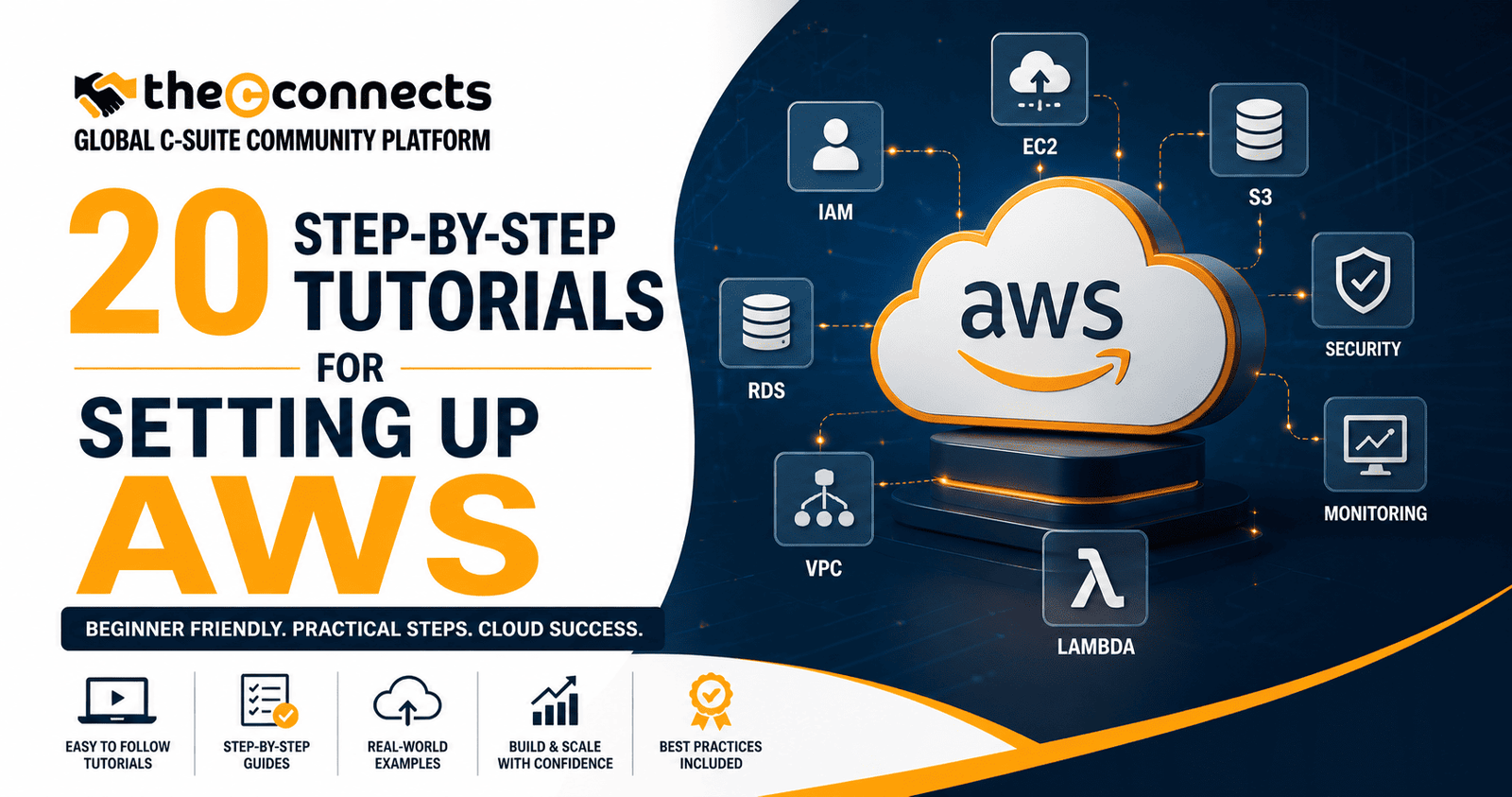

Cloud infrastructure is no longer a technical consideration that business leaders can delegate entirely and ignore. For startups, scale-ups, and established enterprises alike, how AWS is configured from day one determines the security posture, cost profile, scalability capacity, and operational reliability of everything built on top of it.
The business consequences of poorly configured AWS environments are well-documented and severe. Misconfigured S3 buckets have exposed customer data at companies of every size. Absent cost controls have generated six-figure monthly bills from workloads nobody was monitoring. And cloud environments built without governance foundations have become technical debt that grows exponentially harder to remediate as organizations scale.
The organizations that get this right, that build AWS infrastructure with deliberate architecture, security discipline, and cost visibility from the beginning, consistently find that their cloud investment delivers the scalability and competitive agility that justified it. Those that do not find that cloud amplifies problems as readily as it amplifies capabilities.
These 20 step-by-step tutorials for setting up AWS are designed for the full range of business readers, from technical founders configuring their first production environment to IT leaders reviewing their organization’s cloud governance, providing the practical foundation for AWS infrastructure that is secure, cost-managed, and built to scale.
Tutorial 1: Create and Secure Your AWS Account
What it is: Establishing your AWS account through the AWS Management Console, providing payment information, selecting a support plan, and configuring initial account-level security settings.
Why it matters: The account creation process sets the foundation for everything that follows. Decisions made here, account email, payment method, support tier, affect billing, security recovery, and support access across the account’s lifetime.
How to do it: Navigate to aws.amazon.com and select Create an AWS Account. Use a dedicated business email address, not a personal email, that multiple administrators can access. Select an appropriate support tier; Business support provides access to technical support engineers and is worth considering for production workloads.
Key risk: Using a personal email for a business AWS account creates continuity risk if those individual leaves the organization.
Tutorial 2: Set Up Root User Protections and MFA
What it is: Securing the root user, the all-powerful account administrator, by enabling multi-factor authentication, removing access keys, and establishing the principle that the root user is never used for routine operations.
Why it matters: The root user has unrestricted access to every AWS service and cannot be limited by IAM policies. A compromised root user is the highest-impact security event possible in an AWS account.
How to do it: From the AWS Management Console, navigate to Security Credentials under your account menu. Enable MFA for the root user using an authenticator application, hardware MFA is preferable for production accounts. Delete or never create root user access keys. Document root user credentials securely offline for emergency use only.
Key risk: Never use the root user for everyday tasks. Create an IAM administrator user for routine operations immediately after enabling root MFA.
Tutorial 3: Create IAM Users, Groups, and Roles
What it is: Setting up AWS Identity and Access Management to provide each person and service with the specific permissions they need, and no more, through a structured hierarchy of users, groups, and roles.
Why it matters: Overly permissive IAM configurations are among the most common sources of AWS security incidents. The principle of least privilege, granting only the permissions required for a specific task, is the foundational IAM security principle.
How to do it: From the IAM console, create user groups that reflect job functions, Developers, ReadOnly, Administrators. Attach appropriate managed or custom policies to each group. Create individual IAM users and assign them to groups. Require MFA for all human users with console access. Use IAM roles, not user access keys, for application and service access.
Example: A startup creates three groups: Administrators (two founders), Developers (engineering team), and ReadOnly (finance and operations). Each group has precisely scoped permissions that match their actual operational needs.
Tutorial 4: Organize Accounts With AWS Organizations
What it is: Using AWS Organizations to create a multi-account structure that separates workloads, production, development, staging, security tools, into distinct accounts with centralized billing and governance.
Why it matters: Single-account AWS architectures create blast radius risk, a security incident or cost misconfiguration in one workload can affect all others. Multi-account structures provide natural isolation, separate billing visibility, and governance controls through Service Control Policies.
How to do it: From the AWS Organizations console, create an organization from your primary account. Create organizational units (OUs) for workload categories, Production, Development, Sandbox. Apply Service Control Policies at the OU level to enforce governance guardrails across all member accounts.
Tutorial 5: Build a Secure VPC and Subnets
What it is: Creating a Virtual Private Cloud, your isolated network environment within AWS, with public and private subnets, appropriate routing, network ACLs, and security groups.
Why it matters: The VPC is the network foundation of your AWS infrastructure. Poorly designed VPCs, without proper subnet segmentation, routing controls, or security group discipline, create attack surface that is difficult and expensive to remediate later.
How to do it: From the VPC console, create a VPC with a defined CIDR block, typically 10.0.0.0/16 for a medium-scale environment. Create public subnets (internet-accessible) for load balancers and bastion hosts. Create private subnets for application servers and databases. Configure route tables, an internet gateway for public subnets, and NAT gateways for private subnet internet access.
Tutorial 6: Launch and Secure an EC2 Instance
What it is: Deploying an Elastic Compute Cloud virtual server with appropriate instance type, security group configuration, key pair management, and operating system hardening.
Why it matters: EC2 instances are often the first compute resource deployed in AWS, and frequently the most misconfigured. Open security groups, unmanaged key pairs, and unpatched instances are common findings in AWS security reviews.
How to do it: From the EC2 console, select an appropriate instance type and AMI. Configure a security group that opens only the specific ports required, avoid opening all traffic (0.0.0.0/0) to sensitive ports. Use EC2 Instance Connect or Systems Manager Session Manager instead of direct SSH for administrative access where possible. Enable automatic patching through Systems Manager.
Key risk: Never expose database ports, administrative interfaces, or internal application ports to public internet in security group rules.
Tutorial 7: Create and Manage S3 Buckets Safely
What it is: Setting up Simple Storage Service buckets with appropriate access controls, encryption, versioning, and lifecycle policies, ensuring that data stored in S3 is protected and cost-managed.
Why it matters: S3 misconfiguration, particularly public bucket access, has been responsible for some of the most publicized cloud data exposures in recent years. AWS now blocks public access at the account level by default, but bucket-level configurations require ongoing attention.
How to do it: From the S3 console, create a bucket with a unique, non-descriptive name. Verify that Block Public Access settings are enabled. Enable default encryption, SSE-S3 or SSE-KMS depending on compliance requirements. Enable versioning for critical data buckets. Configure lifecycle policies to transition older data to cheaper storage classes.
Tutorial 8: Set Up RDS for Managed Databases
What it is: Deploying a Relational Database Service instance, MySQL, PostgreSQL, Aurora, or other supported engines, with appropriate configuration for your application’s data requirements.
Why it matters: Running databases on self-managed EC2 instances creates operational overhead and risk. RDS handles patching, backups, and replication management automatically, reducing the operational burden significantly.
How to do it: From the RDS console, select your database engine and instance class. Place the RDS instance in a private subnet, never in a public subnet. Enable multi-AZ for production deployments to provide automatic failover. Enable automated backups and set an appropriate retention window. Configure security groups to allow database access only from application layer security groups.
Tutorial 9: Configure Route 53 for DNS
What it is: Setting up AWS Route 53 as your domain name system, managing DNS records, health checks, and routing policies for your application’s domain.
Why it matters: Route 53 integrates natively with other AWS services, load balancers, CloudFront, Elastic Beanstalk, and provides health check-based routing that enables automatic failover when endpoints become unhealthy.
How to do it: Create a hosted zone for your domain in Route 53. Update your domain registrar’s nameservers to point to Route 53. Create record sets, A records, CNAME records, alias records, for your application endpoints. Configure health checks for critical endpoints and use latency-based or failover routing policies as appropriate.
Tutorial 10: Use CloudFront for Content Delivery
What it is: Deploying AWS CloudFront as a content delivery network, caching static assets at edge locations globally to reduce latency for users and reduce origin server load.
Why it matters: CloudFront improves application performance for globally distributed users, reduces data transfer costs from origin servers, and provides additional security capabilities including DDoS protection through AWS Shield Standard.
How to do it: Create a CloudFront distribution pointing to your application origin, an S3 bucket, load balancer, or EC2 instance. Configure cache behaviors for static versus dynamic content. Enable HTTPS by attaching an ACM certificate. Configure security headers and enable AWS WAF integration for additional protection.
Tutorial 11: Set Up CloudWatch Monitoring and Alarms
What it is: Configuring AWS CloudWatch to collect metrics, logs, and events from your AWS infrastructure, and setting up alarms that notify your team when metrics exceed defined thresholds.
Why it matters: You cannot manage what you cannot see. CloudWatch provides the operational visibility that enables proactive response to performance degradation, cost anomalies, and security events before they affect users or generate unexpected bills.
How to do it: Enable detailed monitoring for critical EC2 instances. Create CloudWatch alarms for key metrics, CPU utilization, memory utilization, error rates, and latency. Configure SNS topics to deliver alarm notifications to email or Slack. Enable CloudWatch Container Insights for containerized workloads.
Tutorial 12: Apply Auto Scaling for Resilience
What it is: Configuring AWS Auto Scaling to automatically add or remove compute capacity, EC2 instances, ECS tasks, or Lambda concurrency, based on demand signals.
Why it matters: Manual scaling is both operationally burdensome and risk-prone. Auto Scaling ensures that your infrastructure expands to meet demand peaks without over-provisioning capacity during low-demand periods, directly reducing both operational risk and cloud waste.
How to do it: Create an Auto Scaling group for your EC2 fleet with minimum, desired, and maximum capacity settings. Configure scaling policies based on CloudWatch metrics, CPU utilization or custom metrics. Test scaling behavior by simulating load before deploying to production.
Tutorial 13: Configure Load Balancing
What it is: Deploying an Application Load Balancer (ALB) or Network Load Balancer (NLB) to distribute incoming traffic across multiple instances or containers.
Why it matters: Load balancers eliminate single points of failure, enable zero-downtime deployments through gradual traffic shifting, and provide SSL termination that simplifies certificate management.
How to do it: Create an Application Load Balancer in your public subnets. Configure listener rules on port 443 with an ACM certificate for HTTPS termination. Create target groups pointing to your application instances. Configure health check paths that accurately reflect application readiness.
Tutorial 14: Build a Basic Serverless App With Lambda
What it is: Creating an AWS Lambda function, serverless compute that runs code in response to events without provisioning or managing servers.
Why it matters: Lambda is ideal for event-driven workloads, API backends, and automation tasks. Its pay-per-execution pricing model produces significant cost savings compared to always-on servers for variable workloads.
How to do it: From the Lambda console, create a function with an appropriate runtime, Node.js, Python, or Java. Assign an execution role with least-privilege IAM permissions. Configure event triggers, API Gateway, S3 events, CloudWatch schedules. Set appropriate memory and timeout values. Monitor function performance through CloudWatch Logs Insights.
Tutorial 15: Set Up ECS or EKS for Containers
What it is: Deploying containerized applications using Elastic Container Service (ECS) for simpler container orchestration or Elastic Kubernetes Service (EKS) for Kubernetes-native workflows.
Why it matters: Containers provide deployment consistency across environments and simplify scaling. ECS provides a straightforward managed orchestration option; EKS provides the full Kubernetes ecosystem for teams with existing Kubernetes expertise.
How to do it: For ECS, create a cluster with Fargate launch type to avoid managing underlying EC2 instances. Define task definitions with container images, resource requirements, and environment variables. Create ECS services with Auto Scaling policies and ALB integration.
Tutorial 16: Implement AWS Backup
What it is: Configuring AWS Backup to automate and centralize backup management across supported AWS services, EC2, RDS, EFS, S3, DynamoDB, and more.
Why it matters: Manual backup management is error-prone and difficult to audit. AWS Backup provides centralized visibility, automated scheduling, and cross-region copy capabilities that are essential for business continuity planning.
How to do it: Create a backup plan with defined backup frequency and retention periods. Assign resources to the backup plan by tag or resource ARN. Configure cross-region backup copies for critical data. Test restoration procedures periodically, backup value is only realized when restoration actually works.
Tutorial 17: Use Security Hub, GuardDuty, and Basic Security Checks
What it is: Enabling AWS’s native security services, GuardDuty for threat detection, Security Hub for centralized security findings, and AWS Config for configuration compliance monitoring.
Why it matters: These services provide continuous security monitoring with minimal configuration overhead. GuardDuty analyzes CloudTrail, VPC Flow Logs, and DNS logs to detect threats automatically. Security Hub aggregates findings across security services into a single dashboard.
How to do it: Enable GuardDuty in all active regions. Enable Security Hub and subscribe to AWS Foundational Security Best Practices standard. Enable AWS Config with managed rules for baseline compliance checks. Review findings weekly and establish a remediation process for high-severity findings.
Tutorial 18: Create Cost Alerts With AWS Budgets
What it is: Setting up AWS Budgets to define spending thresholds and receive alerts when actual or forecasted spend approaches or exceeds those thresholds.
Why it matters: Unexpected AWS bills, from runaway workloads, misconfigured services, or unauthorized usage, are a significant risk for organizations without proactive cost monitoring. AWS Budgets provides the early warning system that prevents cost surprises.
How to do it: From the AWS Billing console, create a monthly cost budget with a threshold at 80 percent for early warning and 100 percent for breach notification. Create separate service-level budgets for high-spend services. Configure SNS notifications to alert the finance and DevOps teams simultaneously.
Tutorial 19: Add Infrastructure as Code With CloudFormation or Terraform
What it is: Defining AWS infrastructure in code, using AWS CloudFormation templates or Terraform configurations, to make infrastructure deployments repeatable, version-controlled, and auditable.
Why it matters: Manual infrastructure configuration is not repeatable, not auditable, and not recoverable from failure without documentation that is almost always incomplete. Infrastructure as Code eliminates these problems and is a prerequisite for mature DevOps practice.
How to do it: For CloudFormation, create YAML or JSON templates that define your resource stack. Store templates in version control. Deploy stacks through the CloudFormation console or CLI. For Terraform, initialize a configuration directory, define resources in HCL syntax, and use remote state storage in S3 with DynamoDB locking.
Tutorial 20: Set Up Logging, Tagging, and Governance for Long-Term Management
What it is: Enabling comprehensive logging, CloudTrail for API activity, VPC Flow Logs for network traffic, S3 access logs, and implementing a tagging strategy that enables cost allocation, compliance reporting, and resource management.
Why it matters: Without logging and tagging, AWS environments become increasingly opaque as they grow. Cost allocation becomes impossible. Security forensics are impaired. Compliance audits become expensive exercises in manual data assembly.
How to do it: Enable AWS CloudTrail in all regions and configure log storage in a dedicated S3 bucket with Object Lock for tamper protection. Define a mandatory tagging standard, at minimum: Environment, Team, Project, and CostCenter. Enforce tagging through AWS Config rules and Service Control Policies. Review and export logs regularly for security and compliance purposes.
Conclusion:
The 20 step-by-step tutorials for setting up AWS covered in this guide collectively represent the foundational architecture decisions that determine whether your AWS investment delivers its potential. Each tutorial addresses a specific capability area that, if neglected, creates compounding problems as the environment grows.
The most important takeaway for business leaders is that cloud infrastructure setup requires the same deliberate attention as any other strategic business decision. The organizations that approach it with appropriate rigor, building security, cost visibility, and governance from day one, consistently experience lower total cost of ownership, stronger security outcomes, and faster delivery of business value from their cloud investment.
Verify all service configurations and current best practices in the official AWS documentation before deployment. AWS services evolve frequently, and current documentation reflects the most recent capabilities and security recommendations.
Contact TheCconnects
If you have hands-on experience with AWS, cloud architecture, or DevOps practices that go beyond theory and into real-world implementation, this is the platform to share your expertise.
Whether you are a cloud engineer, startup founder, IT leader, or infrastructure specialist who has built secure, scalable, and cost-efficient AWS environments, your insights can help others avoid costly mistakes and build smarter from day one.
If you’d like to contribute your knowledge, and publish your article on this platform or any other platform feel free to reach out to us.
📧 Email: contact@thecconnects.com
📞 Phone: +91 91331 10730
💬 WhatsApp: https://wa.me/919133110730