
Most organizations that use Slack treat it primarily as a messaging platform, a faster, more informal version of email. That framing severely underestimates what Slack has become, and it is precisely why so many teams experience the paradox of using Slack while still feeling disorganized, fragmented, and reactive.
Slack’s real productivity power is not in its messaging capability. It is in its integration ecosystem, the network of connected applications that transform Slack from a communication channel into an operational hub where decisions are made, projects are tracked, meetings are coordinated, and workflows are automated without requiring people to leave the context of their current work.
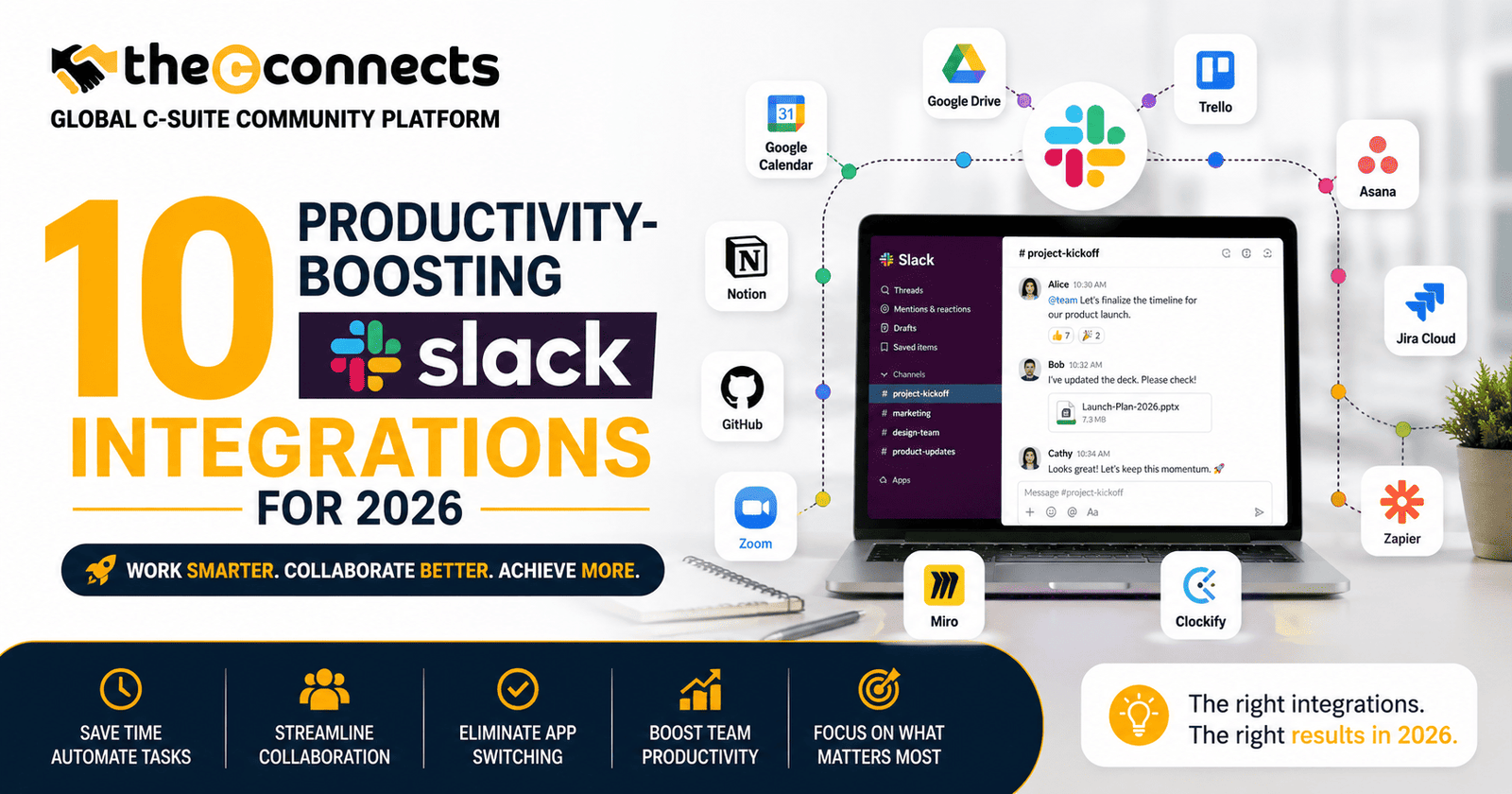
In 2026, with remote and hybrid work firmly established as the organizational default for knowledge-based businesses, and with AI-powered workflows becoming increasingly central to how efficient teams operate, the 10 productivity-boosting Slack integrations for 2026 covered in this guide represent the current state of what a well-configured Slack environment can deliver.
1. Asana, Project and Task Management Integration
What it is: Asana’s Slack integration connects task management directly to communication, allowing teams to create Asana tasks from Slack messages, receive project status updates in dedicated channels, and manage task assignments without leaving Slack.
Why it boosts productivity: The gap between identifying a task in conversation and actually logging it in a project management system is where work disappears. Asana’s Slack integration eliminates this gap, turning action items identified in conversation into tracked tasks in seconds.
Key features to check: The ability to create tasks with assignees, due dates, and project associations directly from the message action menu. Automated project update notifications to designated Slack channels.
Trade-off: Teams that use both Slack and Asana heavily need clear norms about which platform is the authoritative source for task status, without these norms, notifications create noise rather than clarity.
Use case: A product manager sees a bug report in a Slack channel, creates an Asana task directly from the message, assigns it to the engineering team, and sets a due date, without switching applications.
Verification note: Confirm current feature availability, required Asana plan level, and Slack permission requirements at asana.com and the Slack App Directory.
2. Jira, Developer and Engineering Workflow Integration
What it is: Atlassian’s Jira integration for Slack connects software development workflows to team communication, providing sprint summaries, issue update notifications, and the ability to create and update Jira tickets directly from Slack.
Why it boosts productivity: Engineering teams spend significant time updating project management systems and communicating status updates separately. The Jira-Slack integration consolidates these activities, keeping development context visible in the channels where engineering and product teams collaborate.
Key features to check: Sprint progress notifications, automated issue update routing to relevant channels, and slash command functionality for rapid issue creation.
Trade-off: High-volume Jira notification routing can create channel noise. Careful notification filtering, routing only significant status changes rather than every comment, is essential for maintaining signal quality.
Use case: A DevOps channel receives automated notifications when critical issues move from “In Progress” to “Done”, keeping the operations team aligned on deployment readiness without requiring status calls.
Verification note: Verify current integration features and required Jira plan at atlassian.com and the Slack App Directory.
3. Notion, Documentation and Knowledge Base Integration
What it is: Notion’s Slack integration enables teams to share Notion pages directly in Slack with rich previews, create Notion tasks from Slack messages, and receive notifications when relevant pages are updated.
Why it boosts productivity: Knowledge-based teams frequently need to connect asynchronous documentation with real-time communication. The Notion-Slack integration reduces the friction of sharing and accessing documentation during active conversations.
Key features to check: Rich link previews that display document content inline in Slack channels. The ability to create new Notion pages and database entries from Slack messages.
Trade-off: Notion-Slack integration depth varies by plan. Verify which features are available on your current subscription tier.
Use case: A content team shares a campaign brief from Notion directly into a project channel, with a rich preview that allows team members to review key details without clicking through to a separate application.
4. Google Calendar, Scheduling and Meeting Coordination Integration
What it is: Google Calendar’s Slack integration provides daily schedule summaries, meeting reminders, and status automation, automatically updating Slack status to reflect calendar availability.
Why it boosts productivity: Knowing a colleague’s availability before messaging them, and automatically reflecting your own availability without manual status updates, reduces the coordination overhead of scheduling and communication.
Key features to check: Automatic Slack status updates based on calendar events, daily agenda summaries delivered to Slack at configured times, and meeting reminder notifications.
Trade-off: The integration requires Google Workspace and specific permission configurations. Organizations using Microsoft 365 should evaluate the equivalent Microsoft Outlook integration instead.
Use case: A team lead’s Slack status automatically updates to “In a meeting” when calendar blocks are active, reducing unnecessary messages during focus and meeting time.
5. Zoom, Video Conferencing Integration
What it is: Zoom’s Slack integration allows teams to start or join Zoom meetings directly from Slack channels or direct messages, receive meeting notifications, and schedule Zoom calls from within Slack.
Why it boosts productivity: The friction of launching a video call, finding the meeting link, copying it, switching applications, is eliminated when Zoom is integrated directly into the communication platform where the call is being arranged.
Key features to check: /zoom slash command for instant meeting creation, automatic meeting link posting to channels, and Zoom Scheduler integration for coordinated scheduling.
Trade-off: Organizations standardized on Google Meet or Microsoft Teams should evaluate the appropriate equivalent integration rather than maintaining multiple video platforms.
Verification note: Verify current Zoom-Slack integration features and required plan levels at zoom.us and the Slack App Directory.
6. Salesforce, CRM and Sales Workflow Integration
What it is: Salesforce’s Slack integration connects CRM data to sales team communication, enabling Salesforce record updates in Slack, deal stage notifications to sales channels, and the ability to update CRM records directly from Slack.
Why it boosts productivity: Sales teams often maintain separate cadences for CRM updates and team communication. The Salesforce-Slack integration consolidates these, keeping deal data current and visible in the channels where sales discussions happen.
Key features to check: Automated deal stage change notifications, the ability to create and update Salesforce records from Slack, and account-specific Slack channels connected to Salesforce objects.
Trade-off: The depth of Salesforce-Slack integration varies significantly by Salesforce edition and Slack plan. Enterprise-grade integration features typically require higher-tier subscriptions on both platforms.
Use case: A sales operations channel receives an automated notification when a deal crosses the defined closing revenue threshold, triggering handoff workflows to onboarding and finance without manual communication.
7. Miro, Visual Collaboration Integration
What it is: Miro’s Slack integration enables teams to share Miro board links with rich previews in Slack, receive notifications when boards are updated, and create new Miro boards directly from Slack.
Why it boosts productivity: Visual collaboration, diagramming, brainstorming, design feedback, frequently happens in isolation from the communication context where decisions are made. The Miro-Slack integration keeps visual work visible and connected to the channels where it is being discussed.
Use case: A UX design team shares an updated user journey diagram from Miro directly into the product channel, with a rich preview that enables immediate comment and feedback without requiring all participants to open the full board.
8. GitHub, Developer Workflow and Code Collaboration Integration
What it is: GitHub’s Slack integration delivers pull request notifications, code review requests, deployment status updates, and repository activity to relevant engineering channels.
Why it boosts productivity: Developer workflow visibility, knowing when pull requests need review, when deployments succeed or fail, and when issues are closed, keeps engineering teams aligned without requiring constant manual status checking across GitHub.
Key features to check: Configurable notification filters that route specific repository events to designated channels, PR review request notifications to specific team members, and deployment status updates to operations channels.
Trade-off: Unfiltered GitHub notifications can generate significant channel noise. Initial configuration of notification scope is essential before broad deployment.
Use case: An engineering team’s deployment channel receives automated success or failure notifications from GitHub Actions, giving the whole team immediate visibility into deployment status without checking CI/CD dashboards.
9. Zapier, Workflow Automation Integration
What it is: Zapier’s Slack integration enables no-code workflow automation, connecting Slack to hundreds of other applications through trigger-action workflows that automate routine processes without requiring engineering resources.
Why it boosts productivity: Many routine business processes, lead notifications, form submission alerts, report delivery, status updates, can be automated through Zapier workflows that use Slack as the communication endpoint, eliminating manual forwarding and routing.
Key features to check: The breadth of Zapier’s trigger and action library relevant to your existing tool stack. The Slack-specific actions available, including posting messages to channels, sending direct messages, and creating channel-specific automated workflows.
Trade-off: Zapier’s free plan has significant limitations on task volume and multi-step zaps. Teams with high-volume automation needs should evaluate paid plan requirements and compare with native Slack Workflow Builder for simple automation use cases.
Use case: A marketing team configures a Zap that posts a Slack notification to the marketing channel every time a qualified lead is added to the CRM, ensuring immediate sales team awareness without manual email forwarding.
10. Otter.ai, AI Meeting Notes and Summarization Integration
What it is: Otter.ai provides automated meeting transcription, AI-powered meeting summaries, and action item extraction, with Slack integration that delivers meeting summaries directly to designated channels after calls conclude.
Why it boosts productivity: Meeting notes and action items that require manual capture are frequently incomplete, delayed, or lost. Otter’s automated transcription and summarization delivered via Slack ensures that meeting outputs are immediately accessible to all relevant team members, including those who could not attend.
Key features to check: The accuracy of AI transcription for your team’s specific accents, vocabulary, and meeting formats. The quality of action item extraction. The specific Slack channels and timing for automated summary delivery.
Trade-off: AI transcription accuracy varies by audio quality, speaker clarity, and domain-specific terminology. Sensitive meetings require consideration of recording consent policies and data handling before deployment. Verify current privacy and data handling policies at otter.ai.
Use case: A leadership team’s weekly planning meeting automatically generates a summary delivered to the leadership Slack channel within minutes of call completion, ensuring action items are captured and accessible to all stakeholders without a dedicated note-taker.
Conclusion:
The 10 productivity-boosting Slack integrations for 2026 covered in this guide represent the current landscape of high-value Slack connectivity across the functions that matter most to business productivity, project management, development workflow, CRM, documentation, scheduling, and automation.
The organizations that get the most from these integrations are those that approach adoption deliberately, identifying specific workflow problems, configuring notifications thoughtfully, reviewing permissions carefully, and measuring whether each integration actually improves the clarity and efficiency of their work.
Start with the two or three integrations that address your most significant workflow friction points. Configure them well. Measure the impact. Then expand from a foundation of demonstrated value rather than accumulated hope.
Contact TheCconnects
If you are a productivity expert, workplace collaboration specialist, Slack power user, SaaS consultant, workflow automation strategist, or technology leader with insights on remote work, team communication, operational efficiency, AI-powered workflows, or digital collaboration tools, TheCconnects welcomes your expertise and professional perspective.
And if you would like to publish your article, productivity insights, workflow strategies, SaaS expertise, automation case studies, or thought leadership content on this platform or any other leading media platform, please feel free to reach out to us.
📧 Email: contact@thecconnects.com
📞 Phone: +91 91331 10730
💬 WhatsApp: https://wa.me/919133110730